
What if your iPhone could anticipate your needs? your Mac could boost your productivity without you lifting a finger, your Apple Watch could coach you like a personal trainer? At WWDC25, Apple painted a future where that’s not just possible—it’s here.
🌟 Introduction: The Future Is Now
What if your iPhone could make your daily life smoother, smarter, and more connected than ever before? Apple’s Worldwide Developers Conference 2025 (WWDC25) just dropped a game-changing lineup of updates that could redefine how we live, work, and play.
From a breathtaking new design language to AI-powered intelligence that feels personal and proactive, Apple has laid out its vision for the next era of technology.
Today, let’s explore the biggest highlights from WWDC25—why they matter, how they’ll impact YOU, and what’s next for Apple’s future.
🔮 Segment 1: The Liquid Glass Revolution
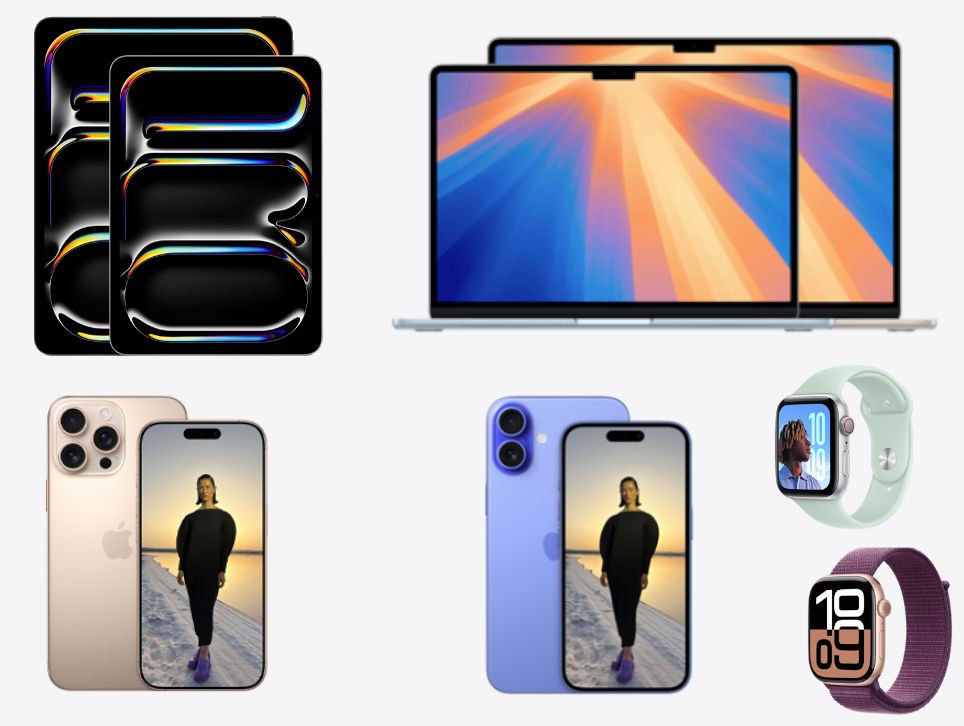
Apple kicked off WWDC25 with a design overhaul called Liquid Glass—a fresh, fluid aesthetic that changes how you interact with your devices.
✨ What’s New
- Translucent menus and glowing edges that shift with motion.
- Dynamic wallpapers and lock screens that adapt in real-time.
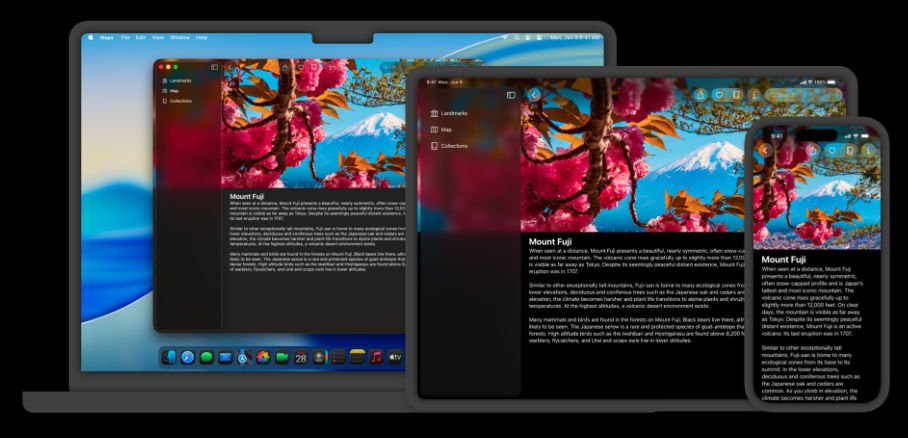
- A unified look across iOS 26, iPadOS 26, macOS Tahoe, and watchOS 26.
- Notes app finally exports to Markdown, a productivity gem for students and writers.
💡 Impact on Daily Life
- Students: Your Notes export seamlessly into research tools like Notion or Obsidian.
- Professionals: iPad multitasking feels like a true desktop, with windowing that mirrors macOS.
- Everyone: Switching between devices feels seamless—no visual or functional disconnect.
🚀 Why It Matters
Design isn’t just about looks—it shapes usability. Apple’s Liquid Glass makes devices feel alive and reactive, reinforcing their interconnected ecosystem.
🤖 Segment 2: Apple Intelligence Steps Up
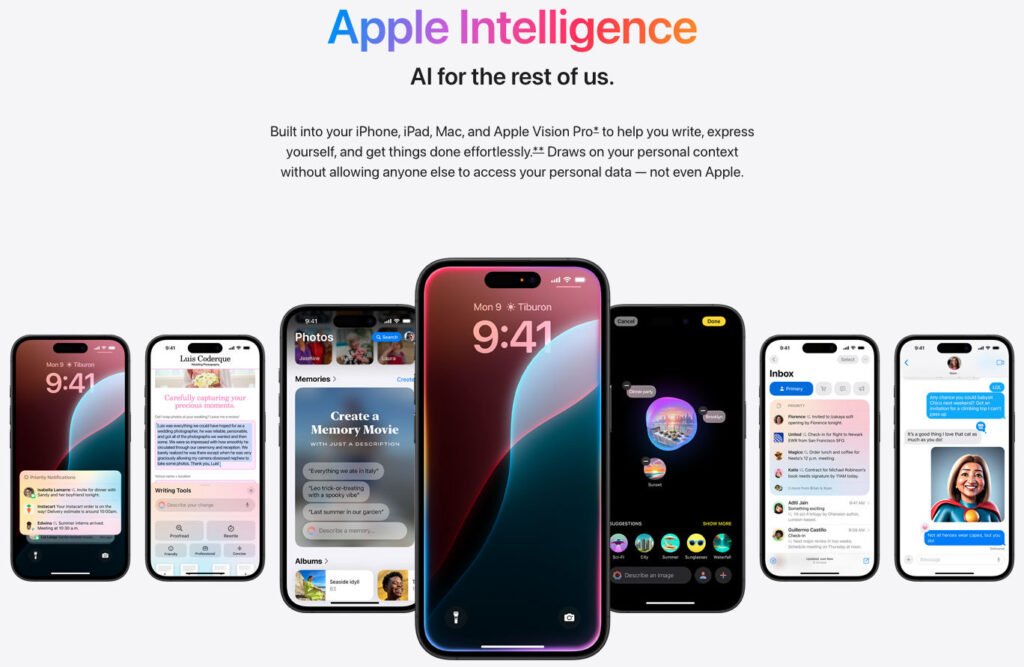
Last year, Apple introduced Apple Intelligence—their AI framework. This year, it leveled up.
✨ What’s New
- On-device AI models now available for developers.
- Visual Intelligence lets you extract context from screenshots: products, dates, events.
- Built-in ChatGPT integration for instant contextual help.
- Smarter Spotlight search that ranks results based on relevance, not just recency.
💡 Impact on Daily Life
- Imagine this: snap a café flyer → it auto-adds the event to your calendar.
- Screenshot a pair of sneakers → your iPhone shows you where to buy them.
- Professionals: Spotlight in macOS Tahoe helps find the right file in seconds, no matter how messy your desktop.
- Students: You can summon ChatGPT to explain a physics formula without leaving your homework screen.
🚀 Why It Matters
Apple is building AI as an invisible assistant—not just reactive, but proactive. Instead of apps being isolated, they now work together intelligently.
📞 Segment 3: iPhone Gets a Phone Makeover
Yes, the humble Phone app—one of iOS’s oldest icons—just got its most radical update in years.
✨ What’s New
- New layout merging Favorites, Recents, and Voicemail.
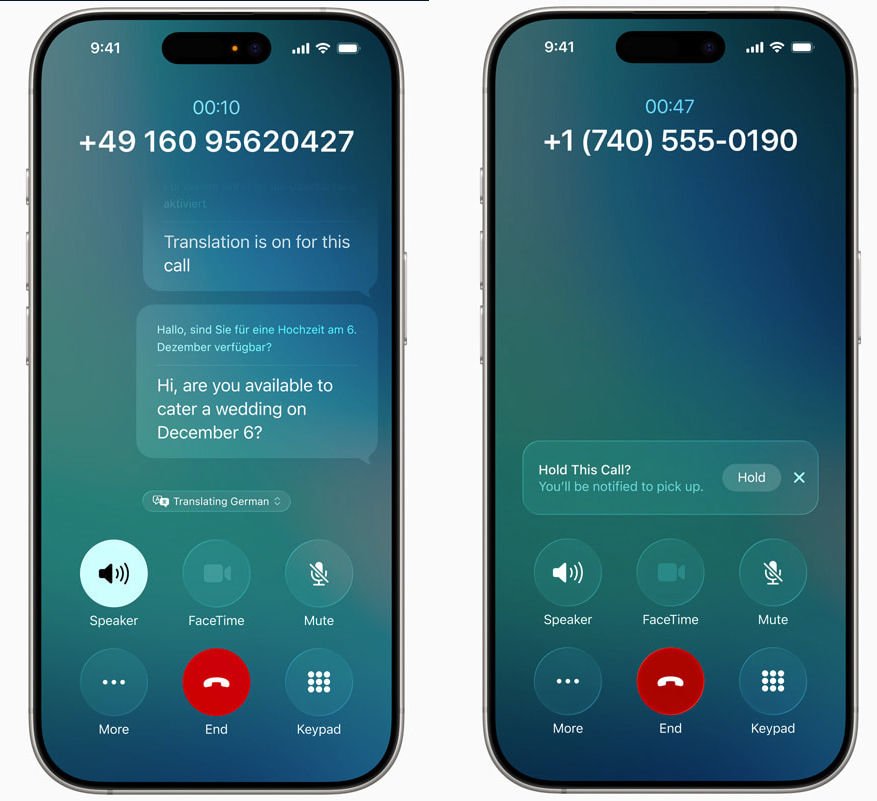
- Live Translation for real-time conversations across languages.
- Call Screening and Hold Assist: no more hold music headaches.
- Smarter Spam Detection for calls and texts.
💡 Impact on Daily Life
- Students abroad: Translate a live call with a professor or local shop owner instantly.
- Professionals: While on hold, your phone notifies you when someone picks up—freeing you to multitask.
- Everyone: Spam texts get filtered before they clutter your chats.
🚀 Why It Matters
Communication is at the core of the iPhone. By making calls and messages more intelligent and stress-free, Apple is reclaiming the phone as your ultimate hub.
🎮 Segment 4: Gaming and Lifestyle Upgrades
Apple didn’t forget fun and fitness—it brought serious upgrades to play and wellness.
✨ What’s New
- A new Gaming app centralizing Apple Arcade, Game Center, and challenges.
- Vision Pro now supports PlayStation VR2 Sense controllers.
- Workout Buddy on watchOS 26: AI-driven personal fitness coaching.
- Eye-scrolling in Vision Pro for hands-free document navigation.
💡 Impact on Daily Life
- Gamers: Organize tournaments with friends, track progress, and jump into co-op sessions easily.
- Fitness enthusiasts: Apple Watch becomes your coach—tracking form, suggesting routines, and cheering you on.
- Professionals: Eye-scrolling means you can flip through a PDF while taking notes hands-free.
🚀 Why It Matters
Apple isn’t just making productivity tools—it’s blending lifestyle, gaming, and work into a balanced, enjoyable ecosystem.

⏳ Segment 5: What’s Missing and What’s Next
Of course, not everything wowed.
❌ What’s Missing
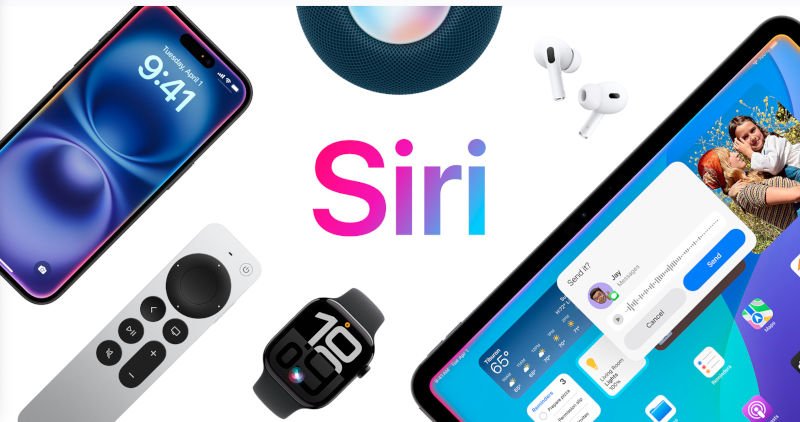
- Siri’s major AI upgrade—delayed until 2026.
- Some developers feel Apple is still catching up in the AI race against OpenAI, Google, and Anthropic.
🔮 What’s Next
- Public betas for iOS 26, macOS Tahoe, and others drop in July 2025.
- Full releases expected in fall 2025.
- Expect third-party apps to harness Apple Intelligence in surprising ways—think AI-powered study aids, health coaches, or even creative writing partners.
✅ Conclusion: Apple’s Vision of a Smarter, Seamless Life
From Liquid Glass’s jaw-dropping design to AI-driven productivity boosts and smarter communication tools, WWDC25 showed Apple doubling down on making tech feel natural, seamless, and human-centered.
For:
- Students: study smarter with AI and better organization.
- Professionals: save time with smarter Spotlight and Hold Assist.
- Tech Enthusiasts: dive into gaming, fitness, and futuristic design.
These updates aren’t about gadgets—they’re about making life smoother and more connected.
👉 What’s your favorite WWDC25 update? Drop your thoughts in the comments below—I’d love to hear what excites you most.
Learn more at Apple https://developer.apple.com/videos/wwdc2025
Watch our video: